HOW TO HANDLE A POS THAT GOES DOWN DURING BUSINESS HOURS
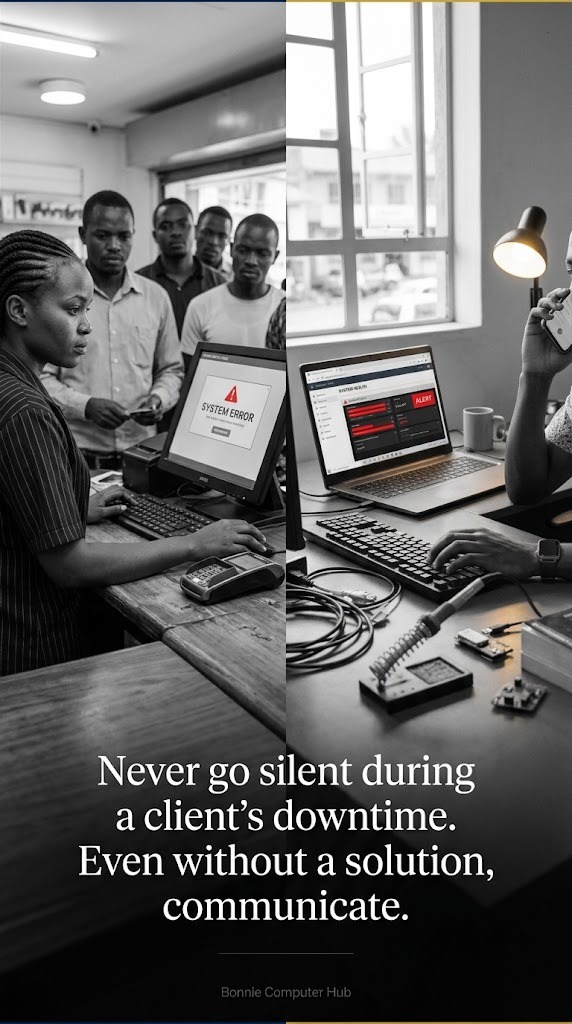
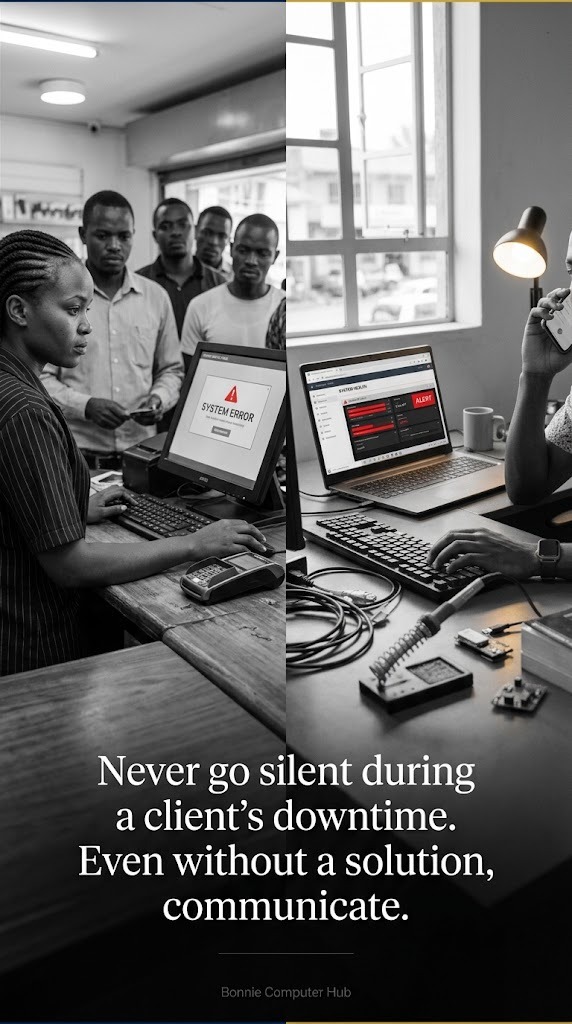
It is 11am on a Friday. The shop is busy. The POS goes down.
The cashier calls you in a panic. There is a queue. Customers are waiting. The business owner is demanding answers.
How you handle this moment determines whether you keep this client long term.
The most common causes of POS downtime
Server or hosting issues
The hosting server goes down or becomes unresponsive. The website cannot be reached. All online dependent functions stop.
Database connection failure
The application cannot connect to the database. Sales cannot be processed or recorded.
Internet connectivity loss at the business
The local internet goes down. If offline mode is properly implemented this should not stop operations. If it was not implemented this is a crisis.
Failed software update
A dependency update breaks something. A plugin conflict. A configuration change that was not tested.
Hardware failure
The receipt printer jams or stops working. The barcode scanner disconnects. The cash drawer stops responding.
M-Pesa or eTIMS API downtime
Safaricom or KRA systems experience downtime. M-Pesa payments cannot be processed. eTIMS submissions fail.
The response protocol for each scenario
Server or hosting down
✅ Check hosting dashboard immediately — is the server up?
✅ Check if it is a hosting issue or a DNS issue
✅ Restart the server if necessary
✅ Contact hosting support if restart does not resolve
✅ Communicate timeline to client immediately — do not go silent
✅ Activate offline fallback if available
Database connection failure
✅ Check database server status
✅ Check connection credentials — did anything change?
✅ Check for database locks or full disk
✅ Restart database service if appropriate
✅ Restore from last backup if data is corrupted
Internet at the business
✅ Confirm offline mode is working — cashiers can continue with cash sales
✅ Advise client on M-Pesa limitation during downtime
✅ Contact their ISP for estimated restoration time
✅ Monitor for restoration and confirm sync after reconnection
Failed software update
✅ Roll back to previous version immediately
✅ Do not attempt to fix forward during business hours
✅ Restore from last known good backup if rollback is not possible
✅ Investigate and resolve in a maintenance window
Hardware failure
✅ Printer — check paper, check cable, restart printer, print test page
✅ Scanner — reconnect USB, check driver, test with manual entry as fallback
✅ Cash drawer — check cable connection to printer, test trigger command
M-Pesa or eTIMS downtime
✅ Check Safaricom service status page
✅ Advise client to accept cash and card only during downtime
✅ Queue eTIMS submissions for processing when API restores
✅ Communicate to client this is a third party issue outside your control
Communication during downtime
Never go silent during a client's downtime. Even if you do not have a solution yet, communicate.
“I have identified the issue. I am working on it. I will update you in 30 minutes.”
That message costs nothing. The silence it replaces costs you the client relationship.
Prevention is better than response
✅ Monitoring alerts that notify you before the client does
✅ Automated daily backups that are tested regularly
✅ Offline mode built in from the start
✅ Staging environment for testing updates before applying to production
✅ Clear escalation path documented in the support contract
How prepared are you for the moment a client's POS goes down during their busiest hour?
🌐 www.bonniecomputerhub.co.ke
📲 +254 729 820 689
© Bonnie Computer Hub | Empowering Through Technology